Leaderboard
See top users across CodeVector by tokens, spend, or requests. Filter by 7, 30, 90 days, or all time. Members see anonymized rankings; admins see emails.
Your gateway URL
Pin your own gateway hostname and we'll rewrite the routes and curl examples on every docs page so you can click straight through to the live console. Stored locally in your browser.
The Leaderboard shows top users across the gateway. You can sort by tokens, spend, or requests, and filter the time window to 7 days, 30 days, 90 days, or all time.
The Leaderboard
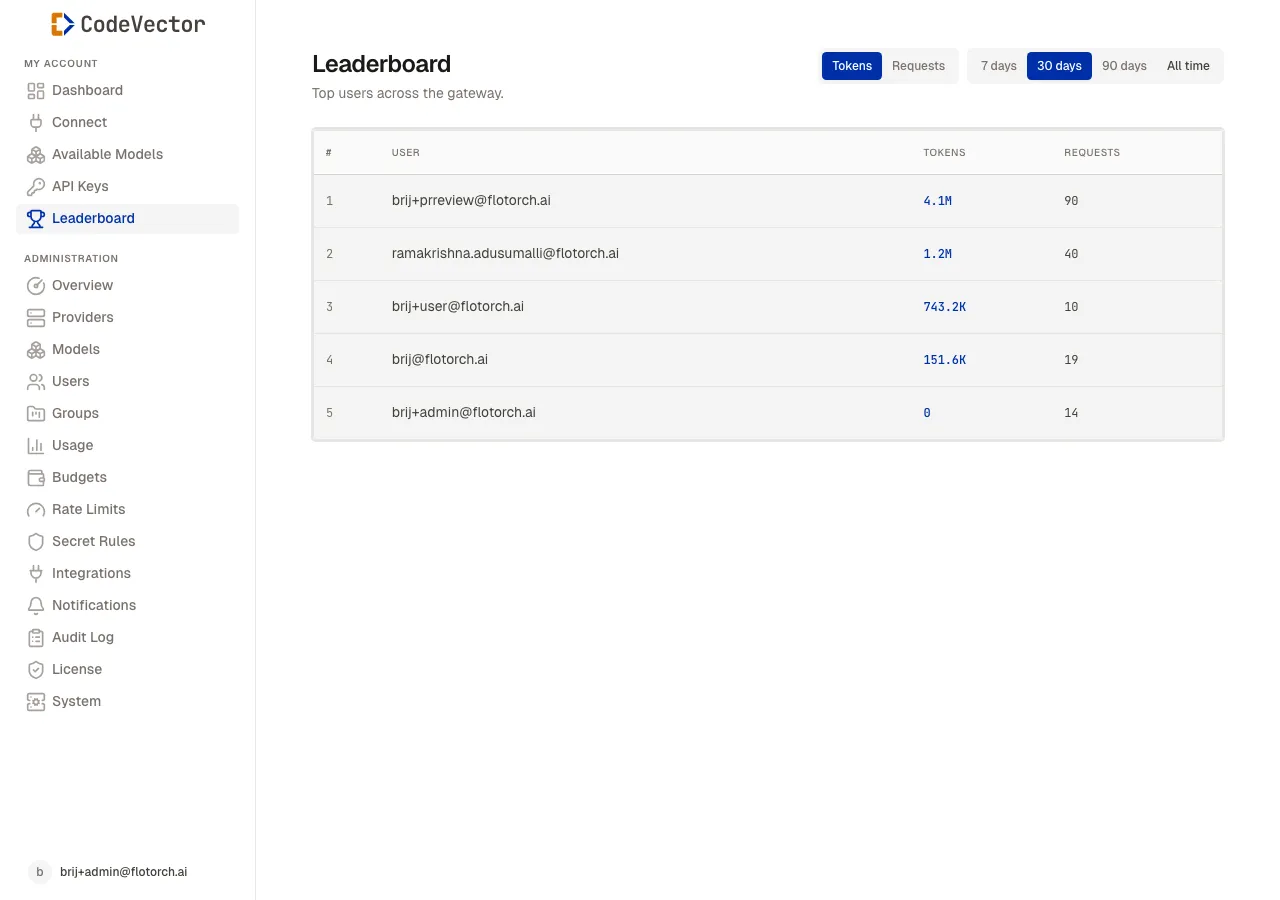
Open /leaderboard to see the rankings. Use the tabs to switch:
- Metric - Tokens, Spend, or Requests
- Window - 7 days, 30 days, 90 days, or All time
Each row shows:
- Rank - position in the current view.
- User - email or anonymized identifier.
- Tokens - total input and output tokens.
- Requests - total API calls.
- Spend - estimated cost in USD.
- Bar - visual comparison against the top user.
Frequently asked questions
Who can see the leaderboard?
All authenticated users can view the leaderboard. It shows anonymized rankings by default; admins see full email addresses.
What metrics are available?
Tokens (input + output), spend in USD, and total request count.
How often is the leaderboard updated?
Data refreshes every few minutes from the usage rollups.