License
View your CodeVector license state, seat usage, and expiration. The license token is set via the LICENSE_TOKEN environment variable.
Your gateway URL
Pin your own gateway hostname and we'll rewrite the routes and curl examples on every docs page so you can click straight through to the live console. Stored locally in your browser.
The License page shows the current license state, seat usage, and token details. License enforcement happens server-side; the console only displays the state.
License state
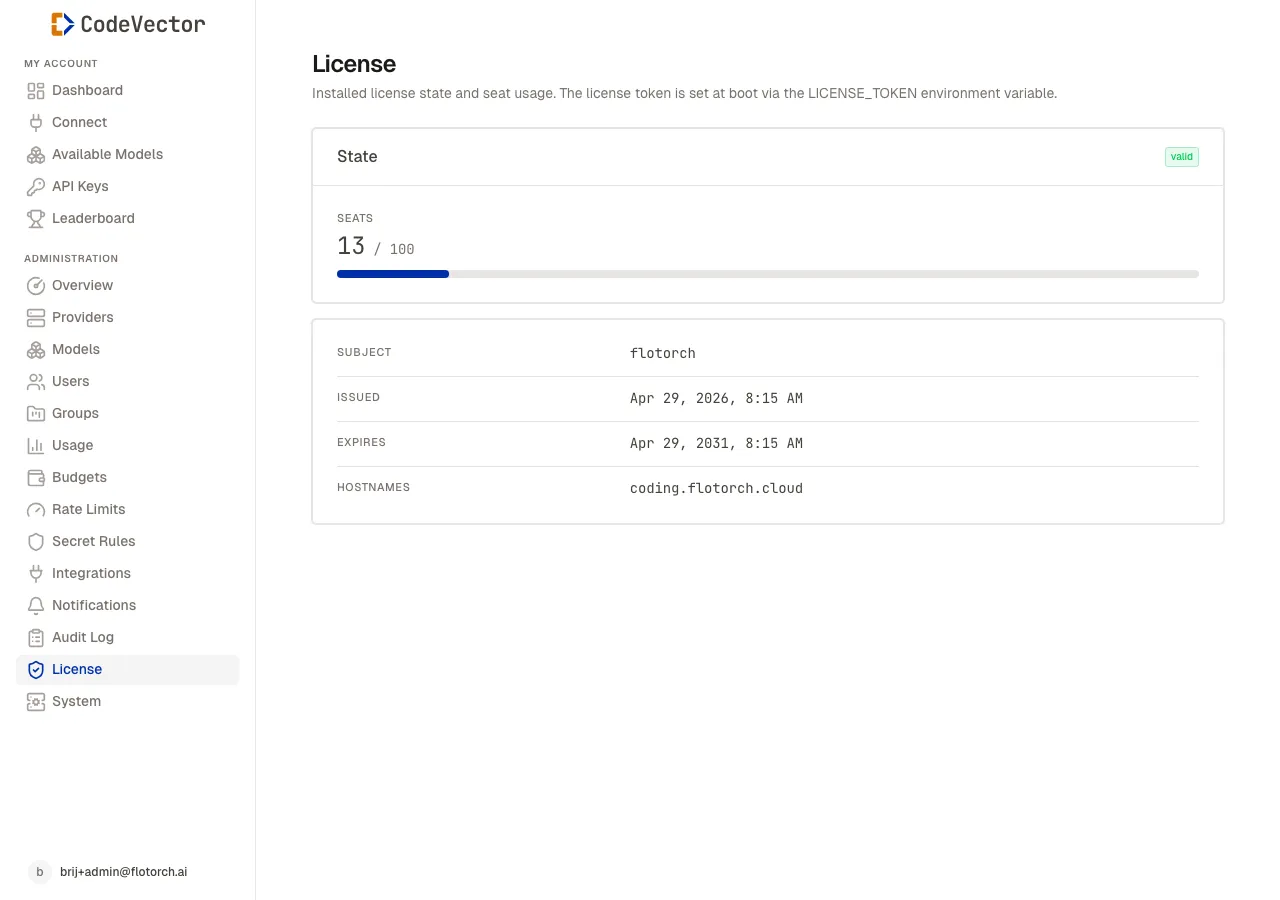
Open /admin/license to see:
- State -
valid,soft_over,grace,hard_over, orexpired. - Seats - active users versus total licensed seats, with a progress bar.
- Subject - the license subject line.
- Issued - when the token was signed.
- Expires - when the token expires.
- Grace until - shown only if the license is in a grace period.
- Hostnames - which hostnames this token is valid for, or
Any.
License states
- Valid - all features work normally.
- Soft over - seat count exceeded. A banner appears; admin mutations still work.
- Grace - temporary extension. Same behavior as soft over.
- Hard over - seat count significantly exceeded. Admin mutations are blocked.
- Expired - token past its expiry date. Admin mutations are blocked.
The gateway proxy surface (/gateway/**) continues to work in all states except when the server fails to boot due to a missing or invalid token.
Setting the license token
The license token is set via the LICENSE_TOKEN environment variable. After changing it, restart the server. The token is validated at boot and its claims are cached for the process lifetime.
Frequently asked questions
Where do I set the license token?
Set the LICENSE_TOKEN environment variable and restart the server. The token is validated at boot.
What happens if the license expires?
Expired and hard_over licenses block admin mutations. The gateway surface continues to work so existing developer tools are not interrupted.
Can I change my seat count?
Contact support to receive a new license token with the updated seat count.
Related docs
- Users. Manage the user accounts that count toward your seat limit.